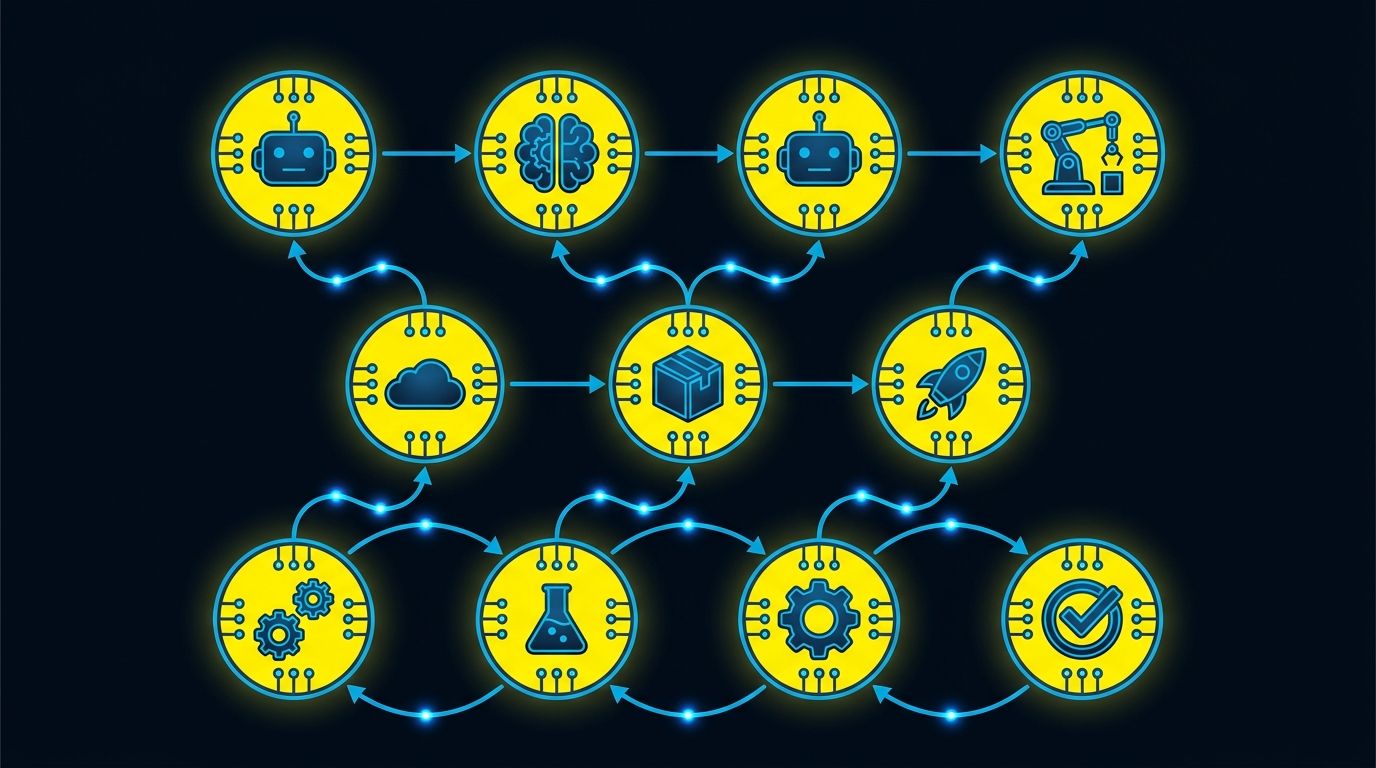
opencode is a 160k-star AI coding tool with 27 workflow files in its .github/workflows/ directory. This number is not uncommon for open source projects, but what’s truly interesting is not the quantity, but the scope these workflows cover: from conventional CI/CD to AI-driven community governance, they’ve done almost everything GitHub Actions can do.
This article analyzes the design of these workflows by category, discusses the pros and cons of this level of automation, and shares insights for our own projects.
Overview
The 27 workflows can be divided into four categories:
| Category | Count | Purpose |
|---|---|---|
| CI/Testing | 4 | typecheck, unit tests, e2e, Nix builds |
| Release/Delivery | 5 | CLI release, container builds, VS Code extension, GitHub Action release |
| Automation/Bot | 16 | issue governance, PR compliance, AI code review, documentation updates |
| Docs/Other | 2 | statistics, Discord notifications |
16 automation workflows account for 60% of the total. opencode doesn’t just use Actions to run tests and releases—it also entrusts community governance and code quality review to the automation system.
CI/Testing: Solid but Restrained
Four testing-related workflows:
typecheck.yml — Runs bun typecheck on PR and push to dev. Simple and direct, no unnecessary actions.
test.yml — Cross-platform test matrix (Linux + Windows), runs unit tests and Playwright e2e. Has concurrency control where new commits in the same PR cancel old runs. Test results generate JUnit reports uploaded as artifacts.
nix-eval.yml — Verifies Nix flake builds on four architectures (x86_64-linux, aarch64-linux, x86_64-darwin, aarch64-darwin). Mandatory package failures block the build, optional package failures are just warnings.
storybook.yml — Storybook builds for UI components, only triggered when storybook/ui-related files change. Path triggering avoids unnecessary runs.
Several noteworthy design choices:
- concurrency group + cancel-in-progress: Multiple workflows use this pattern so the same PR doesn’t stack multiple runs. For a project receiving lots of community PRs, this saves significant CI resources.
- Path triggering: containers.yml only runs when container files change, storybook.yml only runs when UI changes. Not everything runs on all commits.
- Mixed Runner Strategy: Most workflows use Blacksmith’s third-party hosted runners (
blacksmith-4vcpu-ubuntu-2404,blacksmith-4vcpu-windows-2025). Blacksmith is a GitHub Actions API-compatible accelerated runner service using custom infrastructure, significantly faster than GitHub’s free runners. Only lightweight bot tasks (close-issues, close-prs, compliance-close, pr-standards, deploy) stay on GitHub’s nativeubuntu-latest. Compute-intensive compilation, testing, and releases all go through Blacksmith, simple script tasks use GitHub’s native runners, allocating resources by task load.
Release/Delivery: Full Platform Coverage
publish.yml is the most complex workflow, handling the complete release process in a single file:
- Version number calculation
- CLI build matrix (multi-platform, multi-architecture)
- Windows code signing (Azure Signing)
- macOS code signing (Apple Developer)
- Electron app builds
- npm publishing
- GitHub Release creation
- AUR (Arch Linux) publishing
One workflow covers distribution for CLI, desktop apps, npm packages, and Linux packages. This “release everywhere at once” pattern is user-friendly—regardless of platform, everyone gets the new version on the same day.
Other release workflows are split by artifact type:
- publish-github-action.yml — Listens for
github-v*tags, publishes GitHub Action to Marketplace - publish-vscode.yml — Listens for
vscode-v*tags, publishes to both VS Code Marketplace and Open VSX - containers.yml — Multi-architecture container image builds, pushes to GHCR
- release-github-action.yml — Creates pre-releases when github directory changes on dev branch
Tag triggering is a good practice: releases are explicit actions, not triggered by accidental code pushes. publish.yml automatically builds snapshots when pushing to ci/dev/beta/fix branches, but official releases require manual dispatch or tags.
Automation/Bot: AI-Driven Community Governance
This is opencode’s most distinctive feature. Among the 16 automation workflows, multiple directly call upon opencode’s own AI capabilities to handle community affairs.
Issue Management
triage.yml — When a new issue is created, opencode AI automatically triages it, adding labels and categories.
duplicate-issues.yml — When a new issue is created/edited, opencode AI analyzes whether it duplicates existing issues. Also checks whether it follows one of three issue templates and whether it contains AI-generated content. Non-compliant issues get a needs:compliance label.
compliance-close.yml — Every 30 minutes, checks issues/PRs with needs:compliance label and auto-closes if not fixed within 2 hours. Different prompt messages are given for issues vs PRs when closing.
close-issues.yml — Closes stale issues daily at 2 AM UTC.
These four layers form complete issue lifecycle management:
| |
PR Management
pr-standards.yml is one of the longest workflows, doing two things:
- Title format check: Enforces conventional commits format (feat/fix/refactor/…)
- Template compliance check: PR description must include required sections like issue references, change type, verification method
Non-compliant PRs get a needs:compliance label and auto-close after 2 hours. Team members and bots are exempt.
pr-management.yml — Checks for duplicates when PR is created, adds labels for community contributors.
close-prs.yml — Closes PRs older than 1 month with insufficient reactions daily at 10 PM UTC. Default threshold is 2 reactions, configurable.
AI Code Review
review.yml — Input /review in PR comments, opencode AI analyzes code and leaves review comments on specific lines. Only available to repo owner/members.
opencode.yml — Input /oc or /opencode in issue or PR comments to trigger opencode AI for more general interactions.
These two workflows demonstrate the “AI as collaborator” approach: not fully automatic code review, but on-demand triggering with humans making final decisions in the loop.
Documentation & Maintenance
docs-update.yml — Every 12 hours, checks recent commits and uses opencode AI to determine if documentation needs updates.
generate.yml — Runs code generation scripts when pushing to dev, auto-commits changes.
beta.yml — Syncs beta branch hourly.
stats.yml — Updates download statistics to STATS.md daily.
Design Patterns Worth Adopting
1. Layered Governance
opencode doesn’t stuff all automation into one workflow, but splits it by responsibility. An issue goes through four workflows in relay from creation to closure. Each workflow does one thing, combining to form a complete governance chain.
Benefits of this design:
- Individual workflows can be modified or disabled independently without affecting other steps
- Each workflow’s trigger conditions and permission scope are minimized
- Easy to locate which step has problems when they occur
2. Compliance Grace Period
compliance-close.yml doesn’t close immediately upon detecting non-compliance, but gives a 2-hour grace period. This is reasonable for global contributors in different time zones—you might submit an issue while sleeping, and wake up with time to fix it.
3. AI at Decision Points, Not Execution Points
triage, duplicate detection, and code review all have AI make initial assessments, with humans making final decisions. But execution-level tasks like code builds and releases don’t use AI at all. This is a pragmatic division: AI excels at pattern recognition and initial classification, but not precise execution.
4. Explicit vs Automatic Triggers
Releases use tag triggers, maintenance uses schedule triggers, governance uses event triggers. Three trigger types correspond to three different automation trust levels: releases need human confirmation, maintenance can be scheduled automatic, governance needs immediate response.
Risks of Over-Automation
opencode’s automation system is comprehensive, but there are points to watch:
Community barrier: New contributors submitting issues must follow specific templates, PRs must conform to conventional commits, otherwise auto-closed after 2 hours. For a 160k-star project, this strictness is reasonable—it filters out many low-quality contributions. But for small projects, this level of automation would scare away potential contributors.
Maintenance cost: 27 workflows means 27 automation scripts to maintain. opencode has custom runners and dedicated scripts. If a workflow’s logic needs adjustment, maintainers need to switch between GitHub Actions YAML and custom scripts.
AI uncertainty: duplicate-issues and triage use AI for judgment, but AI can misjudge. A reasonable issue marked as duplicate and closed creates a negative experience for contributors. opencode uses grace periods and manual review to mitigate this, but the risk remains.
Insights for Our Projects
Not every project needs 27 workflows. But opencode’s layered governance and “AI at decision points” approach are worth referencing:
- Start with issue templates: If the project starts receiving lots of duplicate or low-quality issues, add templates and duplicate checking first, rather than manually handling each one.
- Use grace periods for compliance checks: Always give a grace period when auto-closing non-compliant contributions.
- Use AI for classification, not execution: Let AI help triage issues and check PR formats, but don’t let AI auto-merge code or publish releases.
- Use tag triggers for releases: This is the safest approach. Automatic snapshot releases are acceptable, official versions need human confirmation.
- Add on demand: Add automation only when you have pain points. opencode’s 27 workflows weren’t built in a day, but gradually added as community scale grew.
Summary
opencode’s GitHub Actions system demonstrates automation practices for large-scale open source projects: CI/CD covers full platform releases, community governance uses multi-workflow relay processing, AI is applied to decision points like triage and review. The core of this system is not technical complexity, but three principles: “layered, grace periods, explicit triggers”. For our own projects, we don’t need to copy all 27 workflows, but these principles can be directly applied.