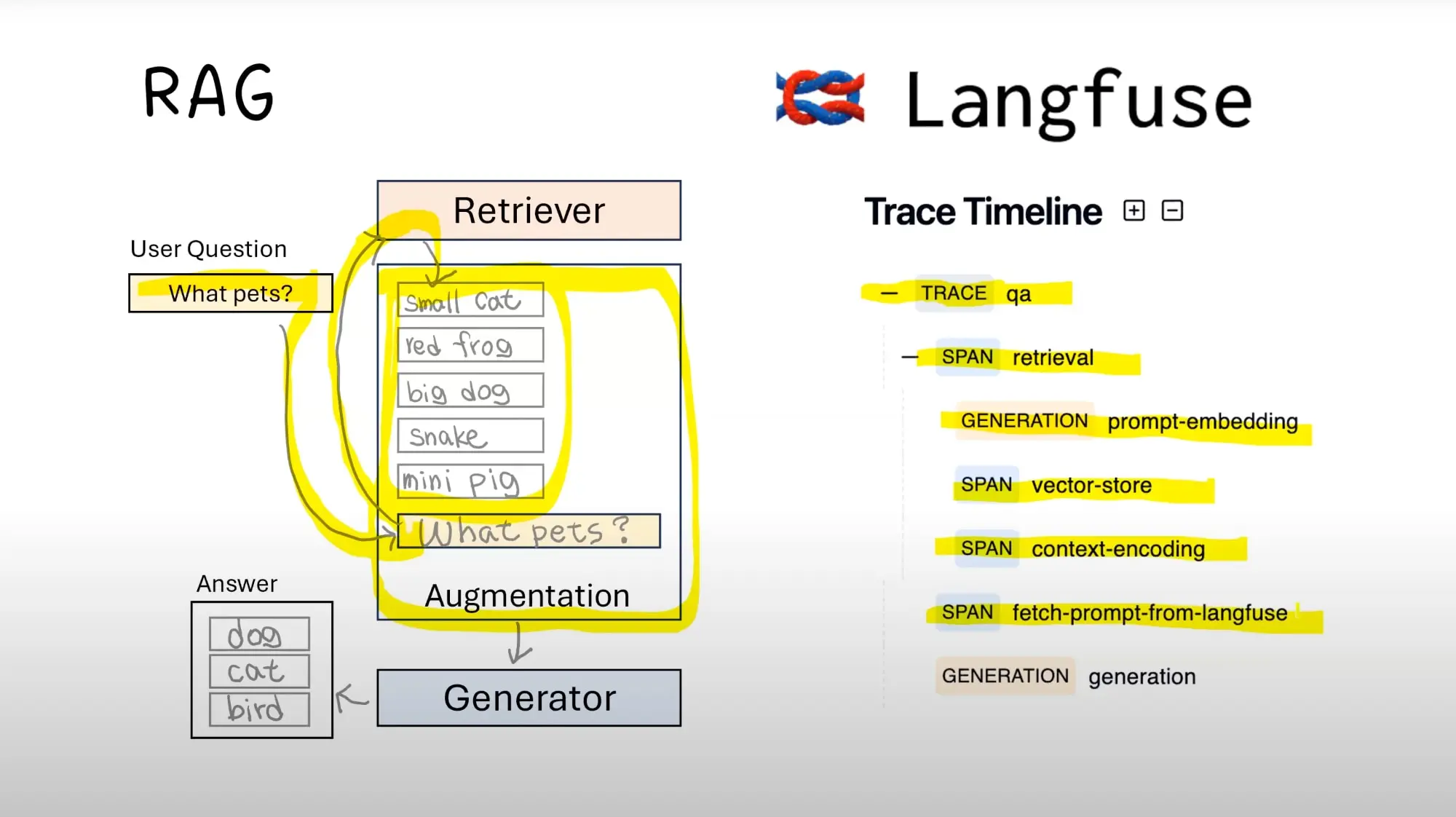
When developing LLM applications, we consider performance issues during LLM calls and monitor outputs during the process.
At this point, tools like LangSmith and Langfuse become very useful.
However, sometimes we have local computing resources and prefer not to use cloud-based resources for LLM call monitoring, so we might not consider LangSmith.
In such cases, we can use Langfuse for this purpose.
Deployment
Deploying Langfuse is very simple; all you need to do is:
| |
This way, the deployment is successful.
Replacement
If you previously used OpenAI’s SDK, you can continue using it as follows.
Install langfuse in the project:
| |
To configure the API key, you need to use it in the deployed langfuse:
| |
Here I have set the Langfuse port to 3001; you should adjust according to your own configuration.
Simply replace the original OpenAI configuration:
| |
In addition, langfuse also supports langchain and llamaindex, which will not be elaborated on further here.
Thoughts
Coze is also developing a large model agent framework, but the approach is quite different. Coze is building everything, including workflows and LLMs, making it relatively closed.
However, langfuse is more open, allowing the use of langchain and other models.
As a developer from a small company, I prefer the langfuse model because it offers more choices. However, if the project timeline is tight and Coze is barely usable, I would choose Coze.
Issues
- An exception occurred when I replaced the OpenAI SDK:
| |
- I still encountered issues when testing
test_langfuse.py:
| |
Regarding this issue, I have opened a discussion.
Additionally, if you wish to view the original code, you can obtain it from https://github.com/svtter/pdf-reader.